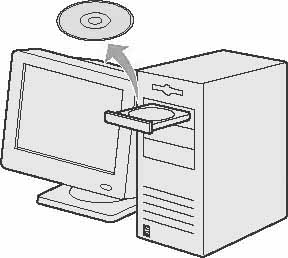
How to Install the Software (Windows 98/Me/2000/XP) (MF3222)
Solution
 Before Installation:
- Do not connect the USB cable before installing the software. If you connect the USB cable before installing the software and the Found New Hardware Wizard screen appears, click [Cancel].
- For Windows 2000/XP, log on as an Administrator to install the software.
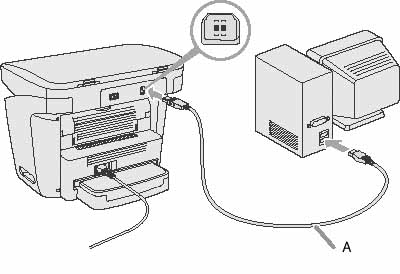
- Make sure the machine is turned on before connecting the USB cable.
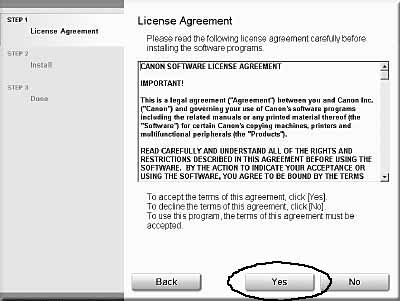
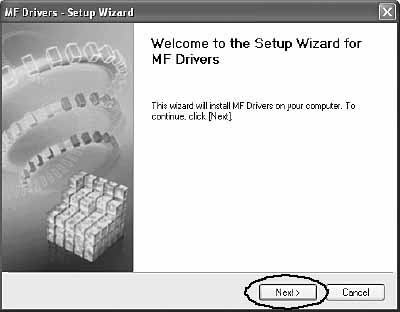
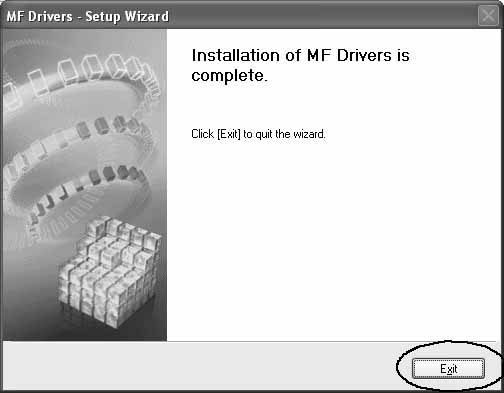
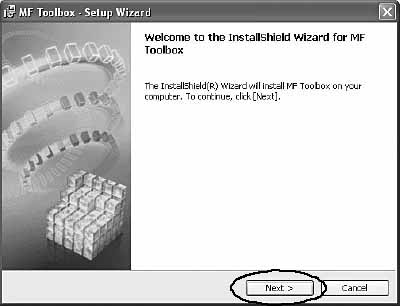
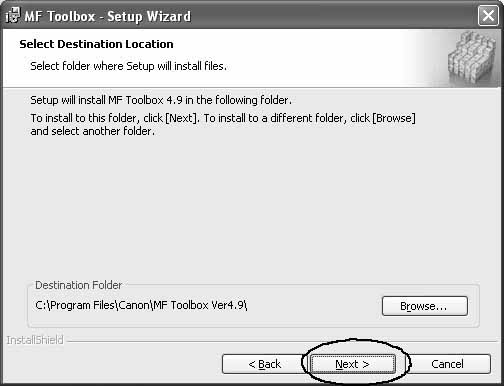
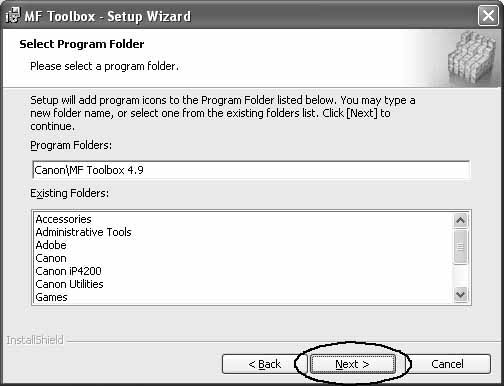
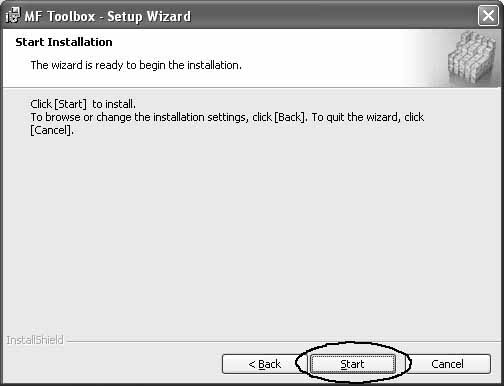
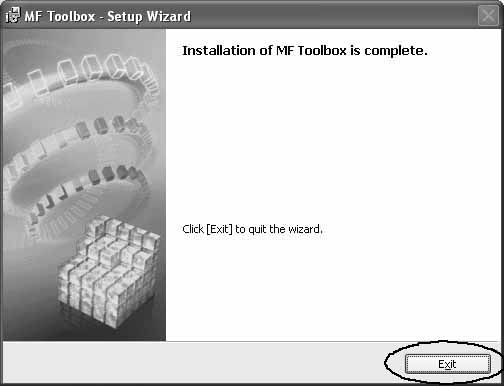
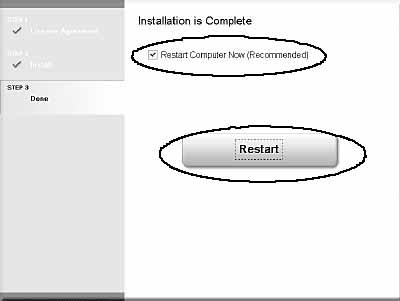
- On the screen shown at each step, click on the circled button to proceed.
1
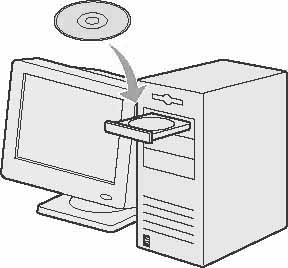
2
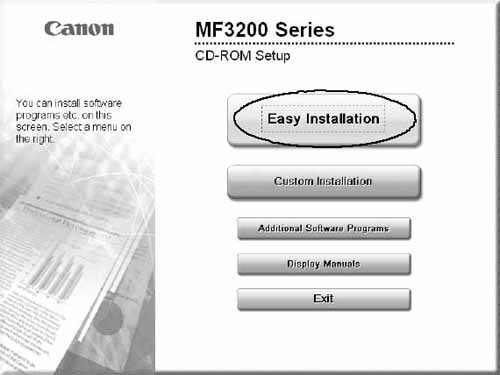
3
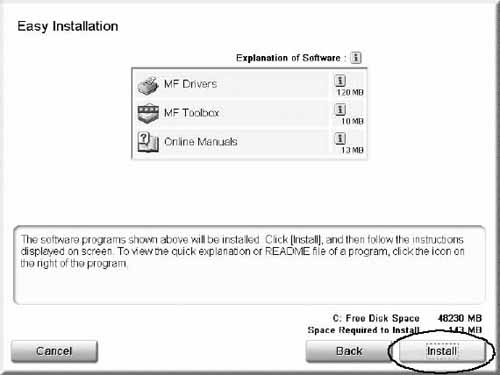
4
5
6
7
8
9
10
11
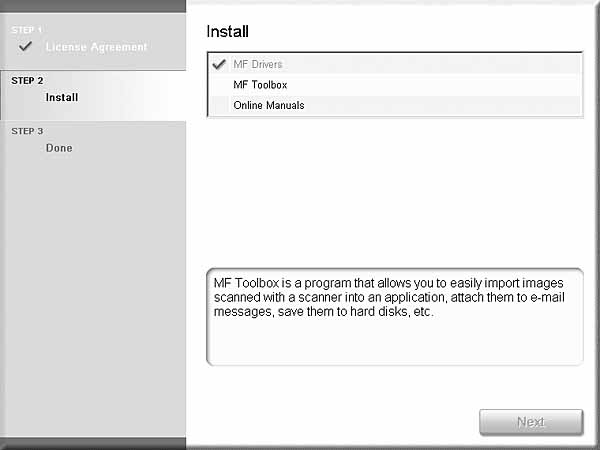
12
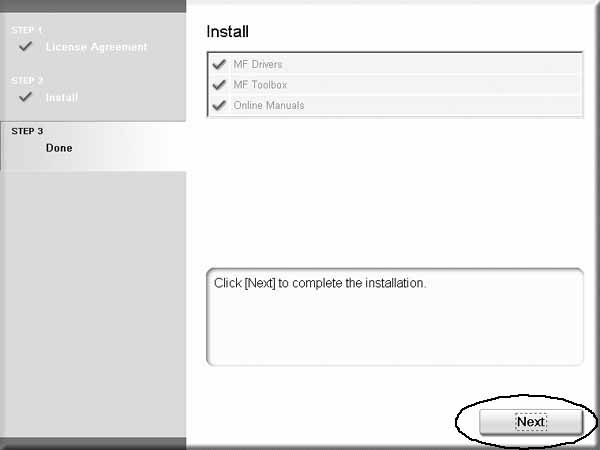
13
14. Connect the machine and your computer with a USB cable (A).
15. You have now completed installation.