

imagePROGRAF PRO-310
imagePROGRAF PRO-310
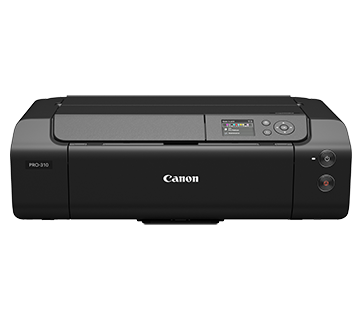
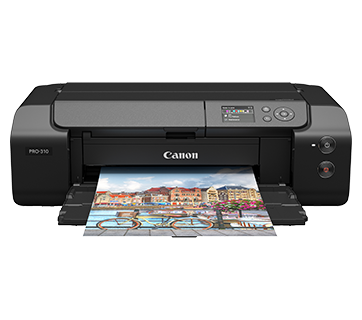
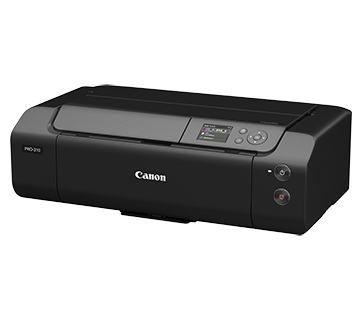
imagePROGRAF PRO-310
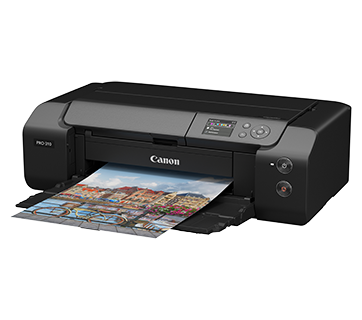
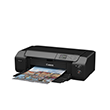
Được thiết kế dành cho những người đòi hỏi sự hoàn hảo, máy in A3+ này có hệ thống mực in 10 màu đảm bảo mọi chi tiết đều được ghi lại với độ chính xác đáng kinh ngạc.
Khuyến mãi
Tính năng nổi bật
Tính năng
Hệ thống mực 10 màu
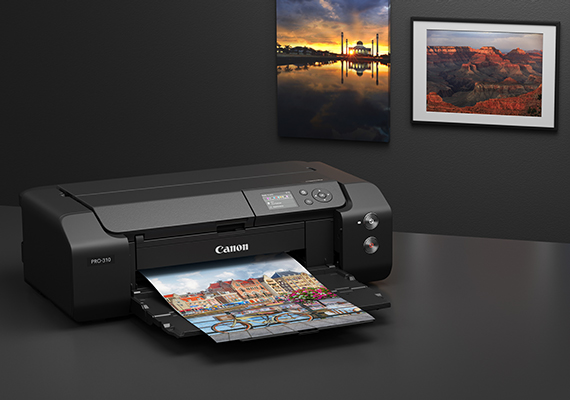
Hệ thống 10 loại mực, bao gồm hai loại mực đen chuyên dụng — Đen mờ và Đen ảnh — cho phép tạo ra màu đen sâu, phong phú và chi tiết vùng tối đặc biệt, lý tưởng cho cả nhiếp ảnh màu và đơn sắc.
Màn hình LCD màu
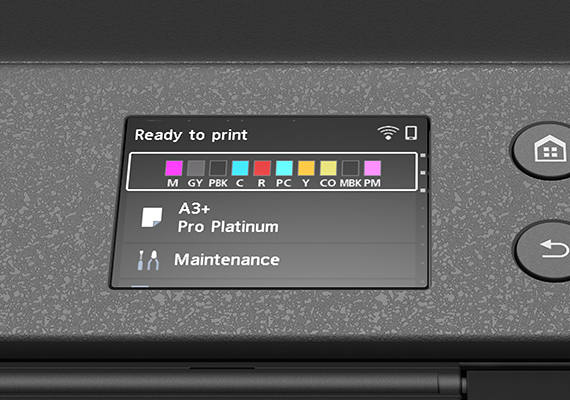
Màn hình LCD màu 3" cho phép dễ dàng điều hướng các chức năng của máy in cũng như theo dõi trạng thái mực chỉ trong nháy mắt, giúp thao tác trở nên trơn tru và đơn giản.
Nạp giấy đáng tin cậy
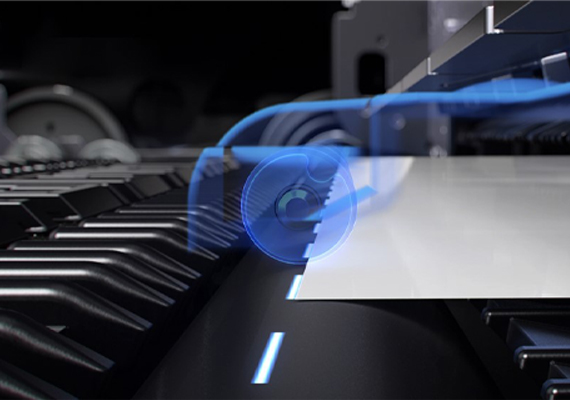
Chức năng tự động hiệu chỉnh độ nghiêng giúp ngăn ngừa lỗi căn chỉnh giấy và giảm lãng phí giấy.
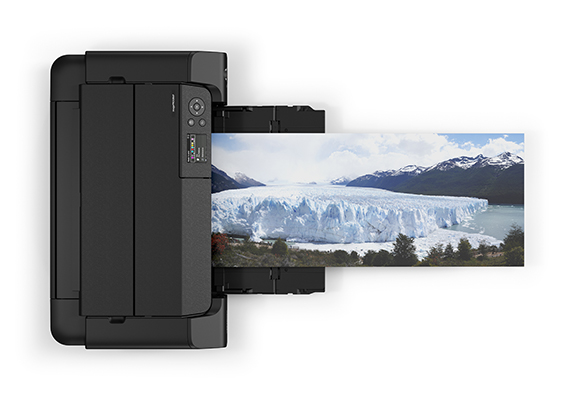
Bản in có viền tùy chỉnh và ảnh toàn cảnh
PRO-310 hỗ trợ tầm nhìn sáng tạo của bạn với các tùy chọn tùy chỉnh lề viền để có khung hình hoàn hảo, kích thước giấy toàn cảnh 210 x 594 mm cũng như khả năng in trên chiều dài giấy lên tới 1,8 m.
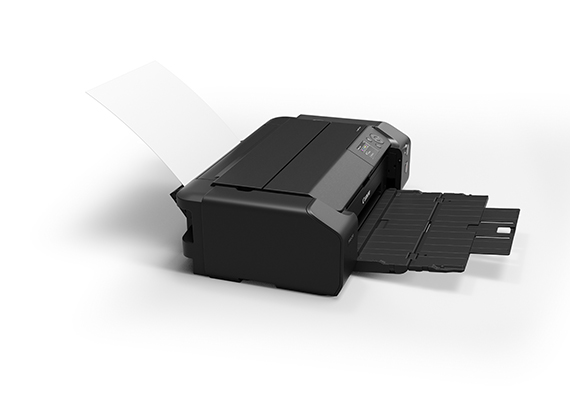
Tương thích với nhiều loại giấy và kích cỡ
Ngoài giấy Canon chính hãng, người dùng có thể sử dụng giấy in phun chuyên dụng từ nhiều nhà sản xuất giấy khác nhau. Khay nạp giấy thủ công hỗ trợ giấy dày hơn và nhiều kích cỡ giấy, mang lại sự linh hoạt cho các nhu cầu in ấn khác nhau.
Related Pages
Vật tư liên quan
Mực/Ruy băng/Đầu in
|
Tên sản phẩm
|
Số trang in
|
Loại sản phẩm
|
Giá
|
|
PFI-5100 C (Cyan)
|
Hộp mực
|
||
|
PFI-5100 CO (Chroma Optimizer)
|
Hộp mực
|
||
|
PFI-5100 GY (Grey)
|
Hộp mực
|
||
|
PFI-5100 M (Magenta)
|
Hộp mực
|
||
|
PFI-5100 MBK (Matte Black)
|
Hộp mực
|
||
|
PFI-5100 PBK (Photo Black)
|
Hộp mực
|
||
|
PFI-5100 PC (Photo Cyan)
|
Hộp mực
|
||
|
PFI-5100 PM (Photo Magenta)
|
Hộp mực
|
||
|
PFI-5100 R (Red)
|
Hộp mực
|
||
|
PFI-5100 Y (Yellow)
|
Hộp mực
|
Các loại giấy in
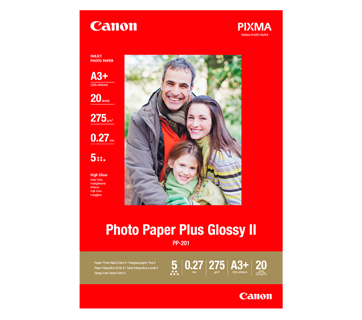
20 Tờ
PP-201 Photo Paper Plus Glossy II
- Excellent photographic result
- Glossy finish, vibrant colour
- Looks and feels like a traditional photograph
- Colours last up to 30 years
- Grammage - 265g/m2 (3.5 x 3.5”)
Grammage - 275g/m2 (A3, A3+)
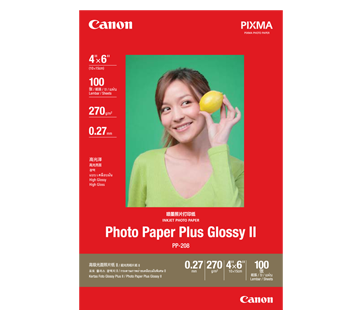
100 Tờ
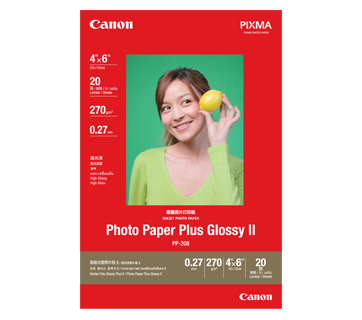
20 Tờ
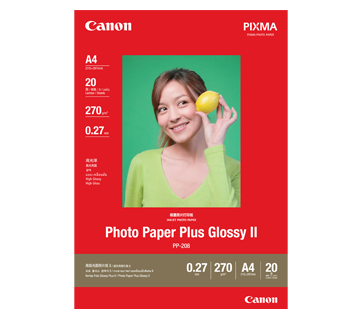
20 Tờ
PP-208 Photo Paper Plus Glossy II
- High quality photo paper
- Ultra-glossy finish
- Grammage - 270g/m2
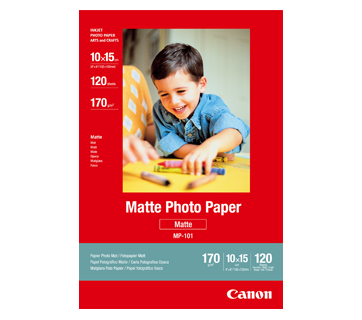
120 Tờ
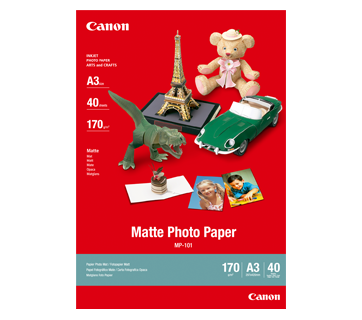
40 Tờ
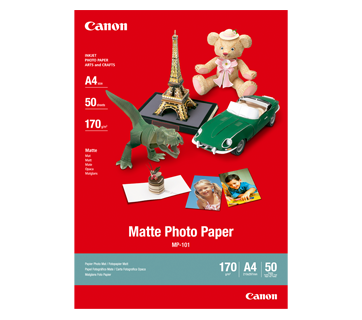
50 Tờ
MP-101 Matte Photo Paper
- Non-reflective surface
- Ideal for craft making, greeting cards and scrapbooking
- Colours last up to 15 years
- Grammage – 170g/m2
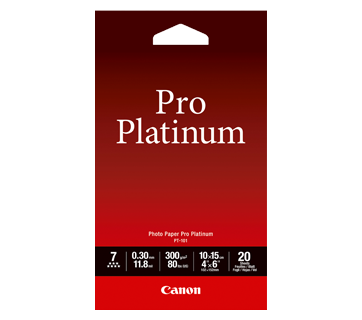
20 Tờ
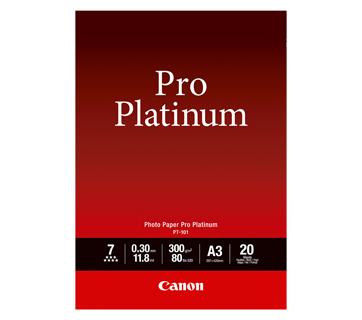
20 Tờ
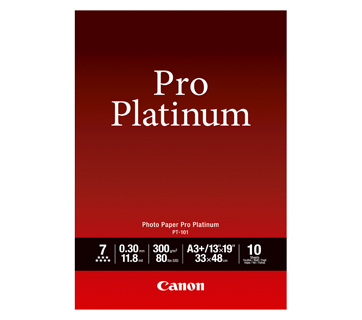
10 Tờ
20 Tờ
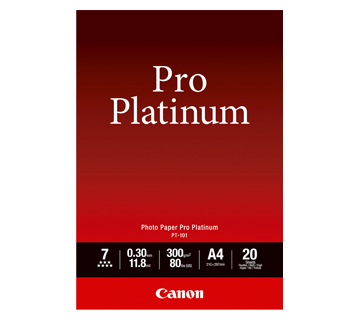
PT-101 Photo Paper Pro Platinum
- Professional Photographic Result
- Ultra Glossy and Heavyweight
- Colours last up to 300 years
- Grammage - 300g/m2
20 Tờ
50 Tờ
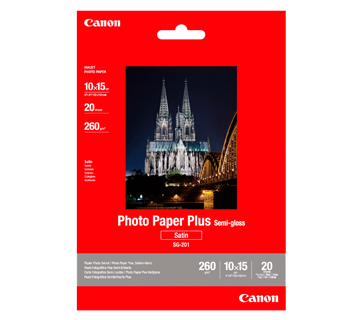
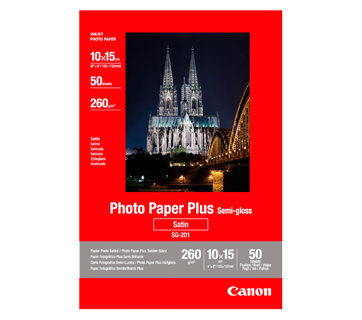
SG-201 Photo Paper Plus Semi-Gloss
- Semi-gloss finish
- Grammage - 260g/m2
20 Tờ
20 Tờ
20 Tờ
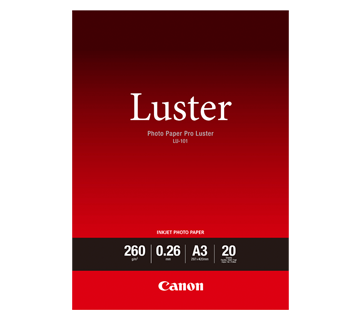
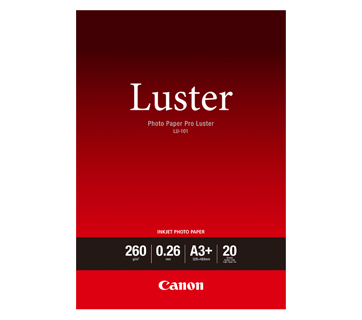
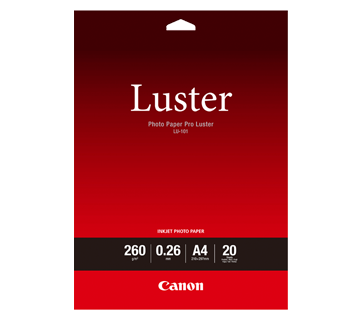
LU-101 Photo Paper Pro Luster
- Fast drying time
- Consistent look and colour under display lighting
- Ideal for studio and special event photos
- Semi-gloss finish
- Grammage - 260g/m2
20 Tờ
20 Tờ
20 Tờ
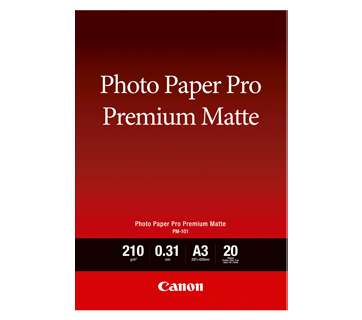
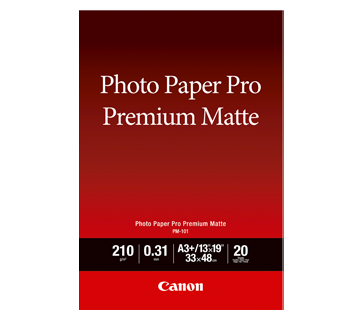
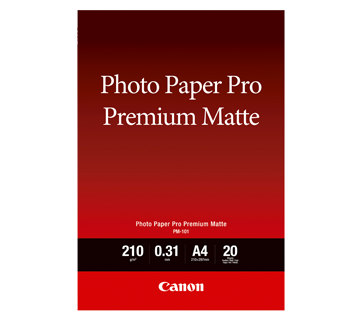
PM-101 Photo Paper Pro Premium Matte
- Superb for warm colour reproduction
- Perfect tonal gradations in mono printing
- Smooth, non-glare matte surface
- Excellent match for PIXMA Pro printers
- Matte-Finish
- Grammage - 210g/m2
25 Tờ
25 Tờ
25 Tờ
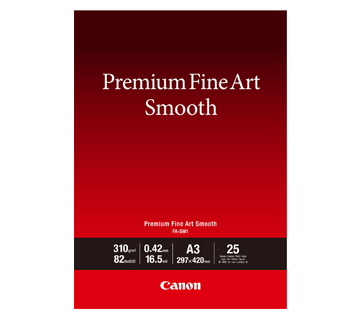
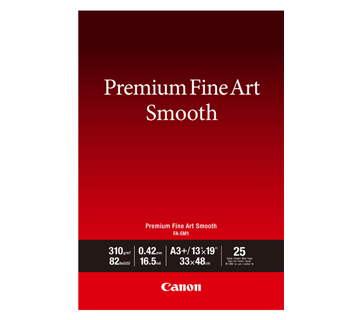
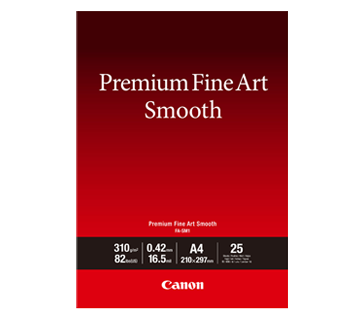
FA-SM2 Premium Fine Art Smooth
- Smooth Texture
- Heavy weight fine art paper
- Ideal for studio and special event photos
- Grammage - 310g/m2
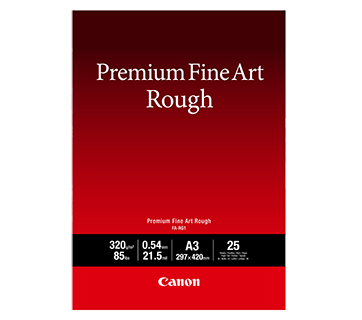
25 sheets
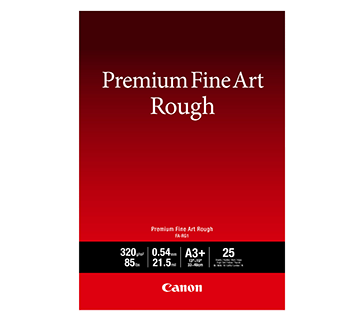
25 sheets
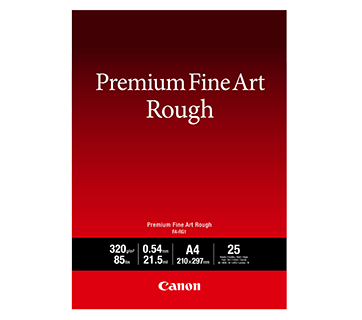
25 sheets
FA-RG1 Premium Fine Art Rough
- Heavy weight rough texture paper
- High quality cotton paper
- Ideal for interior decoration print
- Grammage - 320g/m²
Các bài viết liên quan

Đặc điểm kỹ thuật
|
Print Head/Consumables |
|
|
Number of Nozzles |
Total 7,680 nozzles |
|
Ink Cartridges (Type/Colours) |
PFI-5100 |
|
Level Detection |
Detected by dot count |
|
Maximum Printing Resolution |
4,800 (horizontal) x 2,400 (vertical)*1 dpi |
|
Print Speed*2 (Approx.) |
|
|
Photo (11 x 14” image on A3+ with border) |
4 min 15 sec |
|
Photo (8 x 10” image on A4 with border) |
2 min 30 sec |
Paper Handling
|
Print Margin |
|
|
Borderless Printing |
Top/Bottom/Left/Right: 0 mm |
|
Bordered Printing |
Top: 3 mm, Bottom: 5 mm |
|
Supported Media |
|
|
Top Tray |
Plain Paper (64 - 105 g/m²) |
|
Manual Feed |
Canon: |
|
Multi-Purpose Tray |
Printable Disc |
|
Paper Size |
|
|
Top Tray |
A3+, A3, A4, A5, B4, B5, LTR, LGL, LDR, Hagaki, Return Hagaki, L, 2L, 4 x 6 ", 5 x 7", 7 x 10", 8 x 10", 9 x 13", 10 x 12", 11 x 14", 12 x 12", Square (127 x 127 mm), 210 x 594 mm |
|
Manual Feed |
A3+, A3, A4, B4, LTR, LGL, LDR, 8 x 10", 9 x 13", 10 x 12", 11 x 14", 12 x 12", 13 x 19" Super B, 210 x 594 mm |
|
Multi-Purpose Tray |
Printable Disc (120 x 120 mm) |
|
Borderless Printing*3 |
A3+, A3, A4, A5, B4, B5, LTR, LGL, LDR, Hagaki, L, 2L, 4 x 6", 5 x 7", 13 x 19" Super B, 7 x 10", 8 x 10", 10 x 12", 11 x 14", 12 x 12", Square (127 x 127 mm), 210 x 594 mm |
|
Paper Weight/Thickness |
|
|
Top Tray |
Plain Paper (64 - 105 g/m²) |
|
Manual Feed |
Paper Thickness: 0.1 - 0.6 mm |
|
Paper Width |
|
|
Top Tray |
89 - 329 mm |
|
Manual Feed |
203.2 - 330.2 mm |
|
Minimum Printable Paper Length |
|
|
Top Tray |
127 mm |
|
Manual Feed |
254 mm |
|
Maximum Printable Paper Length |
1,800 mm |
|
Media Storage Capacity (max.) |
35 |
|
Maximum Capacity |
|
|
Top Tray |
Plain Paper: |
|
Manual Feed |
Photo Paper Plus Glossy II (PP-201, PP-208): |
Network
|
Protocol |
SNMP, HTTP, TCP/IP (IPv4/IPv6) |
|
Wired LAN |
|
|
Type |
IEEE 802.3u (100BASE-TX) / IEEE 802.3 (10BASE-T) |
|
Data Rate |
100 Mbps / 10 Mbps (auto switchable) |
|
Security |
IEEE 802.1X (EAP-TLS/EAP-TTLS/PEAP) |
|
Wireless LAN |
|
|
Type |
IEEE 802.11b/g/n |
|
Security |
WPA-PSK (AES) |
|
Direct Connection (Wireless LAN) |
Available |
Printing Solutions
|
Canon Printing Apps |
|
|
Mobile (iOS/Android) |
Canon PRINT, Easy-PhotoPrint Editor, Creative Park |
|
PC (Windows/Mac) |
Canon PRINT, Easy-PhotoPrint Editor, Easy-Layout Editor (Win only), PosterArtist Lite (Win only), PosterArtist Web (browser-based), Professional Print & Layout, Media Configuration Tool |
|
Mobile/Cloud Printing Solutions |
AirPrint®, Mopria® Print Service, Canon Print Service (Android), Direct Wireless, Cloud Service |
System Requirements
|
OS System Compatibility*6 |
Windows 11 / 10 / 8.1 / 7 SP1 |
General Specifications
|
Operation Panel |
|
|
Display |
3.0" Colour LCD |
|
Interface |
USB 2.0 |
|
Operating Environment*7 |
|
|
Temperature |
5 - 35°C |
|
Humidity |
10 - 90% RH (no dew condensation) |
|
Recommended Environment*8 |
|
|
Temperature |
15 - 30°C |
|
Humidity |
10 - 80% RH (no dew condensation) |
|
Storage Environment |
|
|
Temperature |
0 - 40°C |
|
Humidity |
5 - 95% RH (no dew condensation) |
|
Quiet Mode |
Available |
|
Acoustic Noise (PC Print)*9 |
|
|
Plain Paper (A4, Colour) |
40.5 dB(A) |
|
Power Requirements |
AC 100 - 240 V, 50/60 Hz |
|
Power Consumption (Approx.) |
|
|
OFF |
0.05 W |
|
Standby (USB connection to PC) |
1.0 W |
|
Operation |
16 W |
|
Dimensions (WxDxH) (Approx.) |
|
|
Factory Configuration |
639 x 379 x 200 mm |
|
Weight (Approx.) |
14.4 kg |
Page Yield*10
|
Photo Paper (PT-101) |
A3+ Mono*11 |
- Ink droplets can be placed with a pitch of 1/2400 inch at minimum.
- Print speed is based on the default setting using ISO/JIS-SCID N2 and does not take into account data processing time on host computer. Print speed may vary depending on system configuration, interface, software, document complexity, print mode, page coverage, type of paper used etc.
- Paper types NOT supported for borderless printing are as follows: Envelope, High Resolution Paper, T-Shirt Transfer.
- 2.4 GHz and 5 GHz (Wireless LAN IEEE 802.11a/ac/b/g/n) is applicable for Taiwan models only.
- Available with IEEE 802.1X (EAP-TLS/EAP-TTLS/PEAP).
- Please visit https://asia.canon/support to check OS compatibility and to download the latest driver updates.
- The performance of the printer may be reduced under certain temperature and humidity conditions.
- For the temperature and humidity conditions of papers such as photo paper, refer to the paper's packaging or the supplied instructions.
- Acoustic Noise is measured based on ISO 7779 standard with default settings.
- Page yields may vary depending on content coverage, print settings, temperature, humidity, and frequency of printing.
- Declared yield value is the estimated value based on Canon individual test method using ISO/JIS-SCID N2 test file at 11 x 14" continuously on A3+, Photo Paper Pro Platinum (PT-101), with the default settings of testing paper using Windows 10 printer driver and Photoshop CC.
- Declared yield value is in accordance with ISO/IEC 29102, using the ISO/IEC 29103 chart. Values obtained by continuous printing.
Disclaimers |
|
Nơi mua


Tuyên bố miễn trừ trách nhiệm sản phẩm
- 01. Giá cả, thông số kỹ thuật và tình trạng & điều khoản hàng hóa có thể thay đổi mà không cần báo trước.
- 02. Sản phẩm/Dịch vụ có thể được sản xuất hay cung cấp cho chúng tôi bởi bên thứ ba (bao gồm nhà sản xuất/nhà cung cấp hay nhà phân phối/đại lý) (các sản phẩm không mang thương hiệu Canon).
- 03. Giá niêm yết được tính theo VND và có thể thay đổi mà không cần báo trước.